Press play together. Stay in sync.
SyncPlay plays one video on every screen at the same moment. The host shares a file from their own device, and everyone else joins with a code.
One video, every screen
Same moment
Play, pause and seek follow everyone in the room. Someone joins late and lands on the right second.
Files stay put
The video streams from the host's device over the local network. Nothing is uploaded anywhere.
Join any way
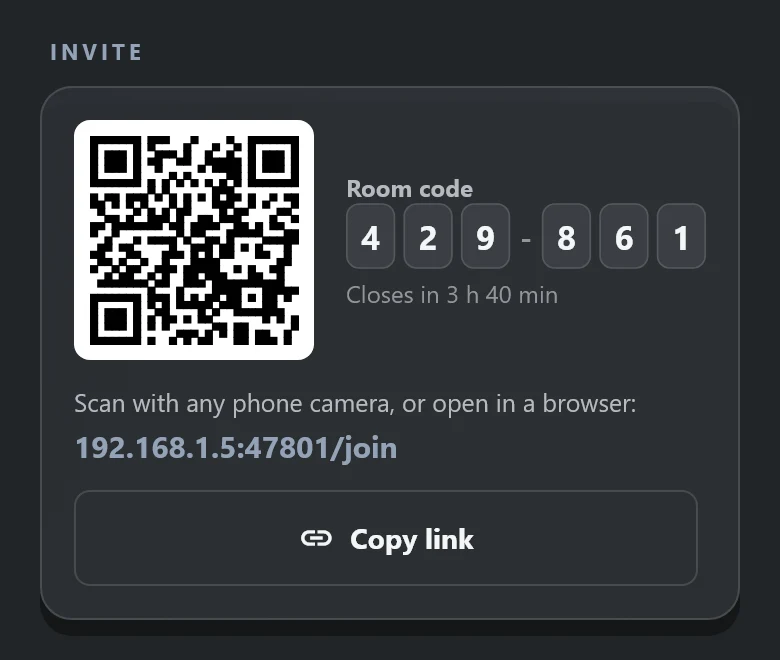
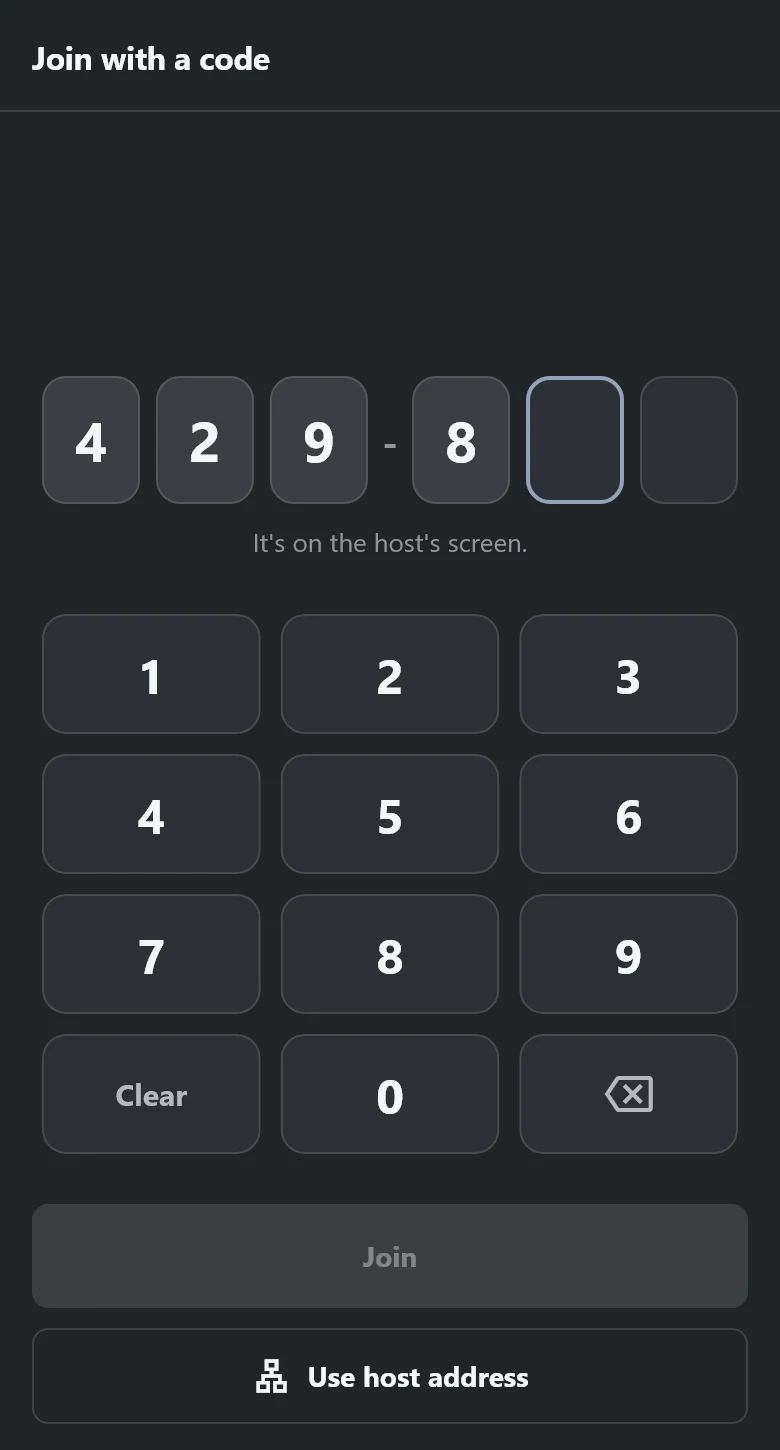
Scan a QR code, type six digits or open a link. Guests use the app or just a web browser.
A real library
Choose which folders show up. Series and movies are told apart, with posters from the folder or from free online sources.
Subtitles and casting
Load subtitle files and adjust their size and timing. Send the picture to a TV and keep controlling it from the room.
Made for the big screen
Works with a remote on Android TV, including low-memory boxes, with controls sized for the couch.
See it in use
Watching in four steps
Pick a video
Choose a file or a show from your library and start a room.
Share the code
Show the QR code, read out six digits or send the link.
Friends join
In the app or in any browser on the same network.
Press play
Everyone starts together and stays together.
Private by design
- No accounts, no cloud and no ads.
- App guests connect over an encrypted link, checked against the host's own certificate.
- Browser guests join over the local network without encryption, so use them on a network you trust.
- Poster lookups send film titles to free online sources. You can turn that off in Settings.
- Rooms close on their own after a few hours.
Common questions
Do guests need the same video file?
No. The host's device streams it to everyone, so guests only need to be in the room.
Does it work over the internet?
No. Everyone needs to be on the same network as the host.
Which devices does it run on?
Windows and Android, including Android TV. Anything with a modern browser can join as a guest.
Why does a browser guest keep buffering?
Most browsers cannot play HEVC (x265) video. The host sees which guests are stuck and can make a browser copy.
Can Elevven11 see what we watch?
No. Nothing is sent to us, and the app has no analytics or tracking.